 EcoSimLab
VideoSimLab
Video-based cockpit display studies in the browser — one recording serves any number of interface variants.
What the set enables
Driving simulator studies are limited in throughput — a lab can only test one participant at a time. VideoSimLab opens a methodological middle ground: participants watch recorded driving scenes while the cockpit display is rendered live from synchronised driving data. Because recording and display are decoupled, a single recording serves any number of interface conditions without re-recording. This allows fast, location-independent screening of display variants ahead of the costly simulator study.
Two paths of reuse
- Running studies on published recordings: this requires only a JATOS server and modern browsers on the participants’ side. Ready to use are recordings, example displays and 17 example questionnaires (acceptance, SUS, SAGAT, EnDynA, demographics).
- Producing your own recordings: this additionally requires a video and data source (BeamNG.tech, free academic licence) as well as OBS Studio and FFmpeg.
Background
VideoSimLab was tested in three proof-of-concept studies, among them the replication of a simulator study (N = 55) that reproduced the main effect of eco-driving displays. The details are in the AutomotiveUI paper under “Research & citation”.
Quickstart
VideoSimLab is set up once on a server with a JATOS instance (a deployment task, once per team). After that, fork the VideoSimLab-Template and adjust only the configuration — one central timeline plus JSON configuration. The CI/CD pipeline deploys the finished study to the JATOS instance.
How a video study runs
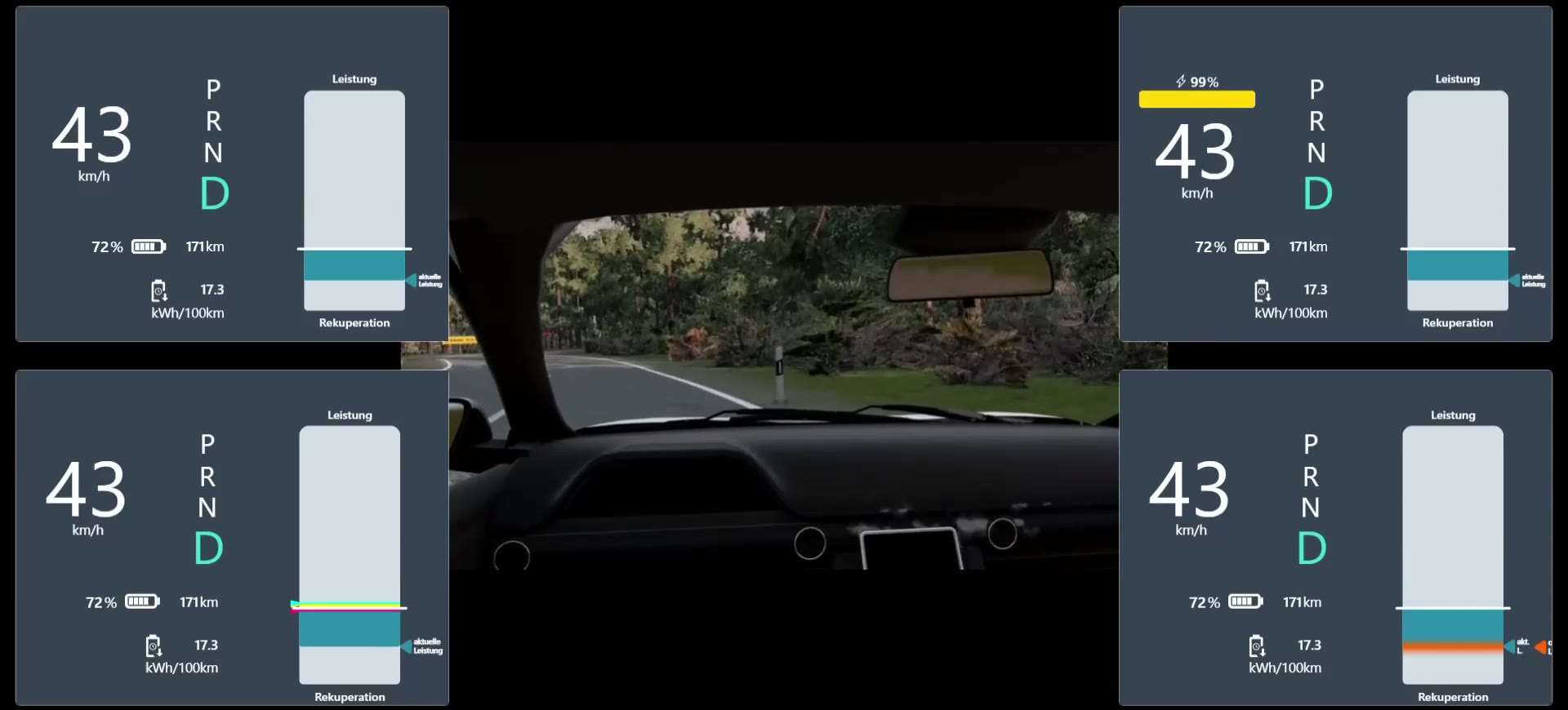
One recording, four displays. The cockpit display is a function of the driving data, not part of the video.
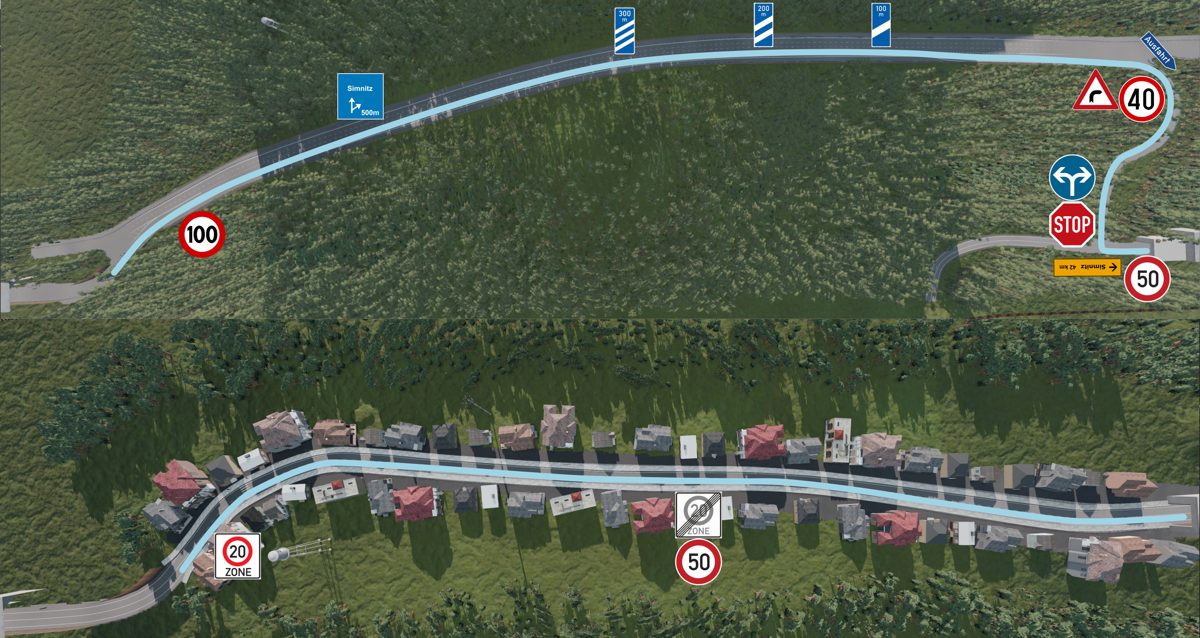
Record
A drive in the simulator is recorded as video and as a data stream, on one shared time base.
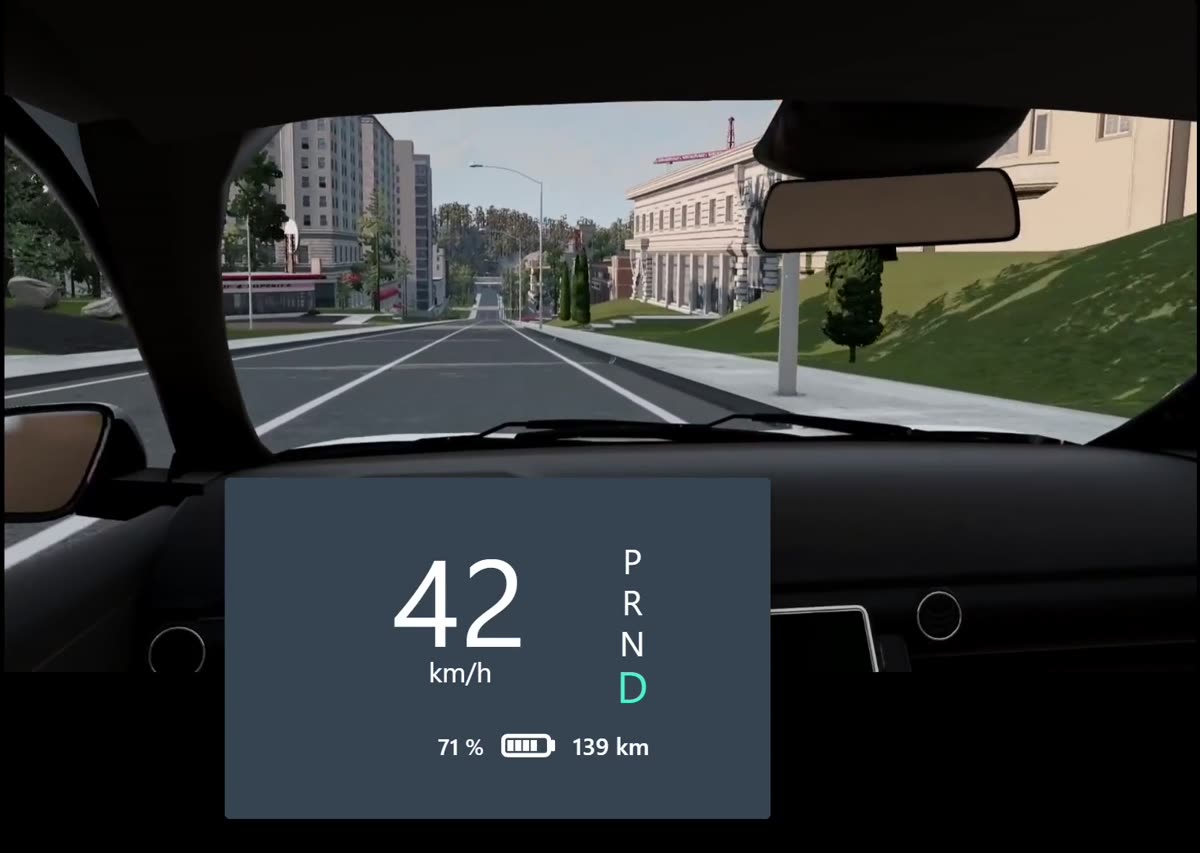
Replay
In the browser the video plays and the display renders live from the data. Each condition is a configuration, not a new video.
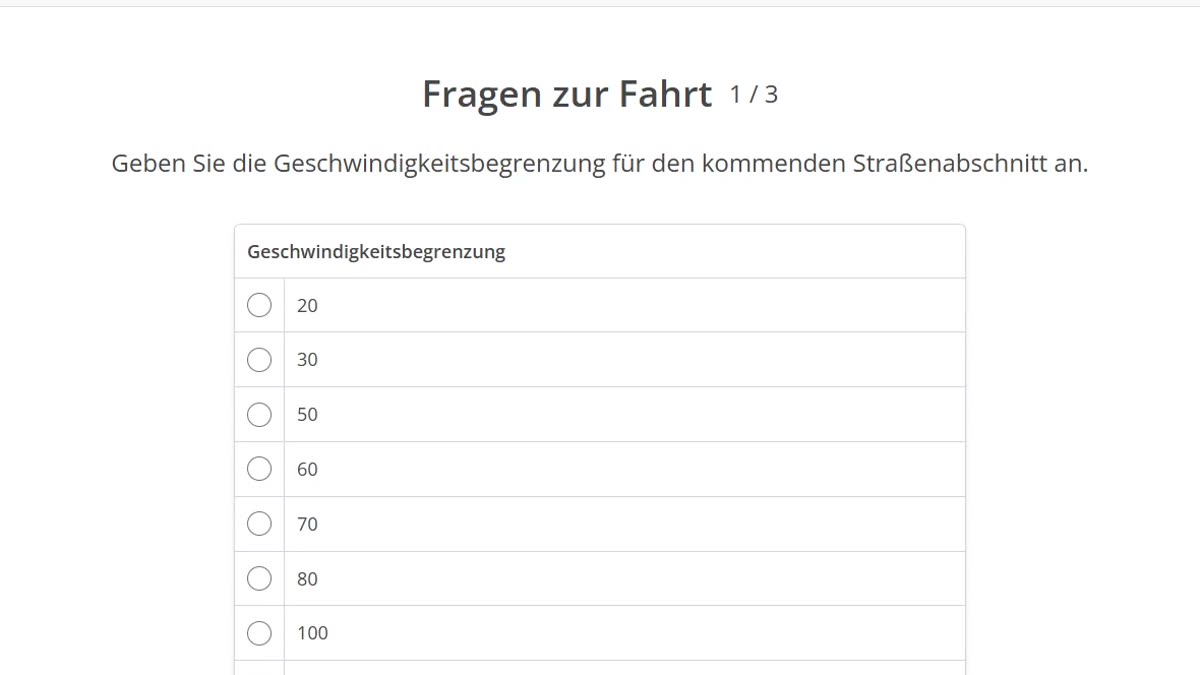
Ask
A freeze stops video and display and asks questions about the situation. Questionnaires come from the template.
Your own study starts from the VideoSimLab-Template: fork it, configure it, publish it to JATOS. VideoSimLab-Template
Included tools
5Recording-Pipeline
Records driving video and driving data of a simulator run on a shared time base.
Role in the setrecords cockpit video and driving data of a simulator run in frame-accurate synchronisation
SAGAT-freeze
jsPsych plugin for SAGAT freeze probes — measures situation awareness with configurable item sets.
Role in the setmeasures situation awareness via freeze probes (jsPsych plugin)
Cockpit-Display-Replay
jsPsych plugin that renders an eco display from a driving-data stream in sync with a recorded driving video.
Role in the setrenders the cockpit display live from the data stream, in sync with the driving video
EcoInterfaces
Library of the toolkit's eco-driving displays — SolidJS components, fed from an input contract.
Role in the setprovides the displays that the replay plugin renders in the browser
VideoSimLab-Template
Forkable jsPsych study project for video studies — timeline, questionnaires, replay trials and deployment to JATOS.
Role in the setcombines timeline, questionnaires and replay trials into a forkable study with deployment to JATOS
Cite
- Jan Heidinger, Leonardt Wagner, Christopher Spölmink, Thomas Franke (2026).VideoSimLab: Developing a Video-Based Toolchain for Vehicle Display Evaluation StudiesAutomotiveUI '26 (18th Intl. Conf. on Automotive User Interfaces)10.1145/3828157.3828768